Visit the Power Apps portal: make.powerapps.com.
You will notice this section in the home screen. Just start typing a simple description of the app you want to build
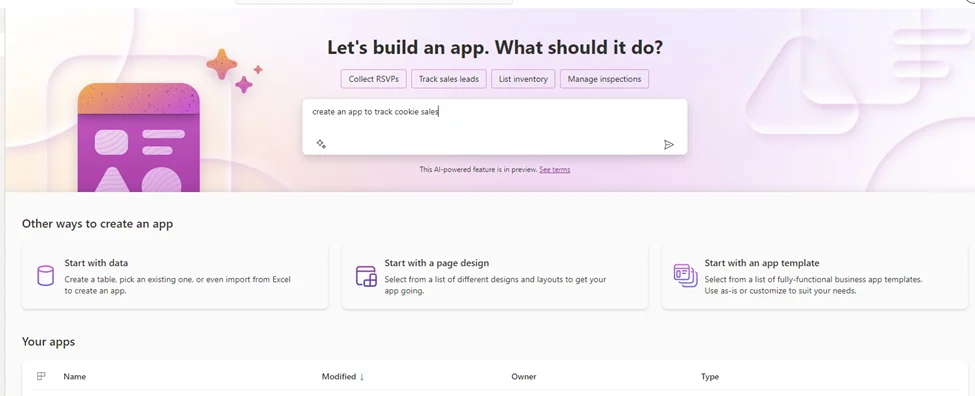
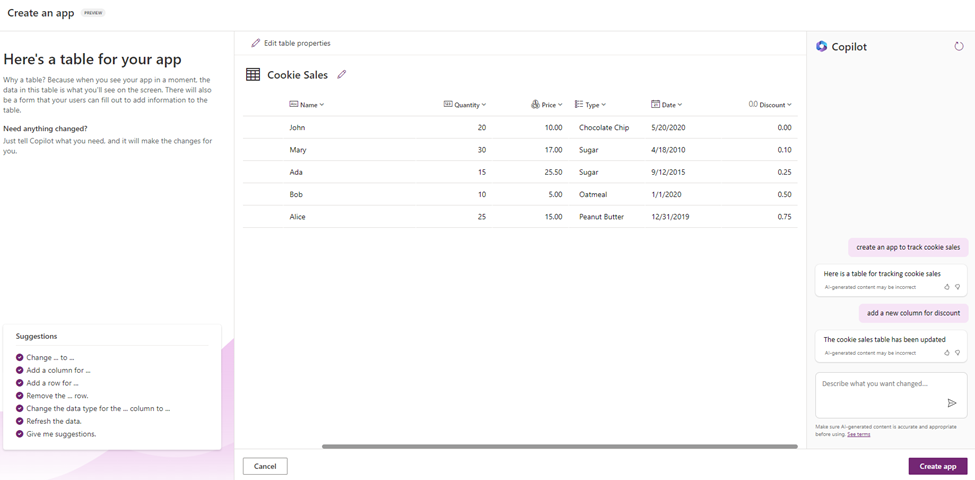
Power Apps will create a table with the columns it thinks are needed for the app described.
You can request some changes using the chat function. You can ask thins like chainging data types, adding new columnas, adding test data.
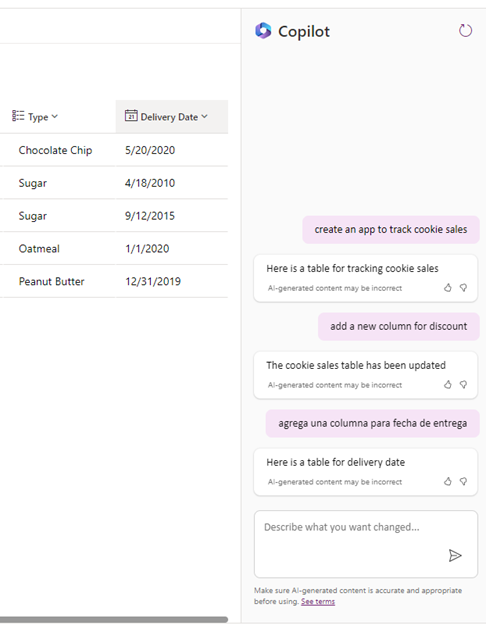
And you can give instructions in multiple languages!
Important! Your table and data will be stored in the same Dataverse environment where you created the app. Remember that Dataverse is a premium connector, so your app will become premium!
When your table is ready, just click on “Create app”
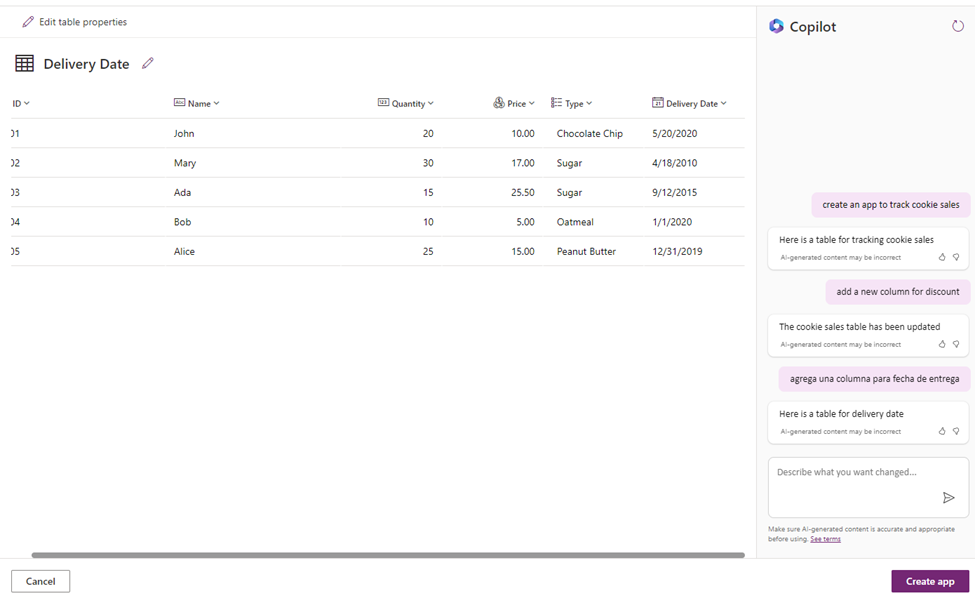
After a couple of minutes you will get a totally responsive app where you can see, add, edit and delete records!
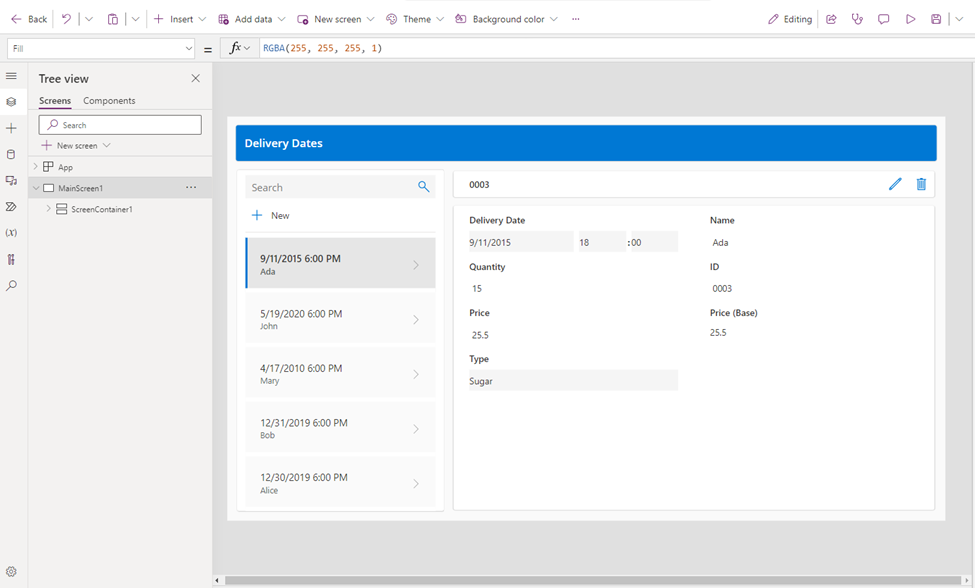
It’s a one screen simple app, but it can save you some hours of work to use this feature so make sure to try it out!
If you need help building more complex apps or you have a project in mind, make sure to contact us at contact@powergi.net!