Descargar imagen de una columna de SharePoint en Power Apps

Descargar imágenes en una columna de SharePoint | Canvas Apps | Power Apps | Listas de SharePoint

Tabla de Contenidos

Working with images stored in a SharePoint list column is a common scenario for Canvas Apps in Power Apps. In this guide, we’ll walk you through how to download images in SharePoint columns, directly from your Canvas App.

Use case description

We have an image-type column in SharePoint:
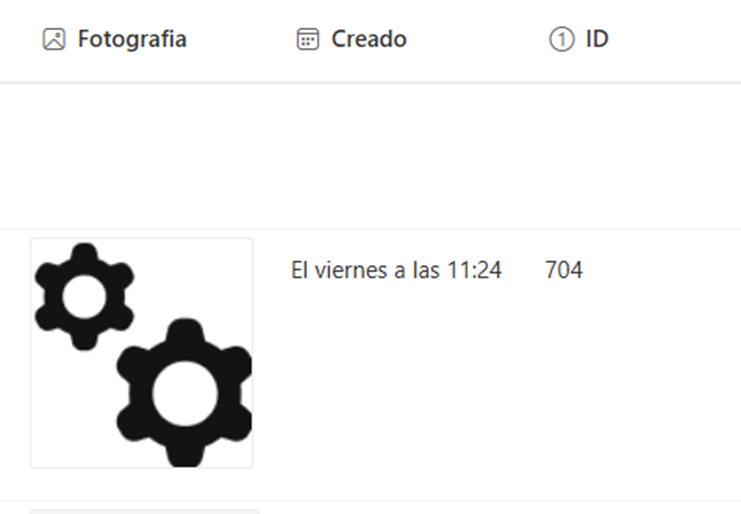
We want to allow users to download this picture from a Canvas Apps app that is connected to the SharePoint list:

¿Está su negocio preparado para la automatización?

Automatiza procesos con Microsoft Power Platform.

Solution description

When we inspect the column in our SharePoint list and click on an image to view it in a separate browser tab this is the URL structure when viewing in the browser:

{SharePointSiteAndListAddress}/Attachments/{ItemID}/Reserved_ImageAttachment_%5B5%5D_%5B{ColumnName}%5D%5B36%5D_%5B{Nombre de archivo}%5D%5B1%5D_%5B1%5D{FileType}

If we get the value of an image column in Power Apps, we get the following:
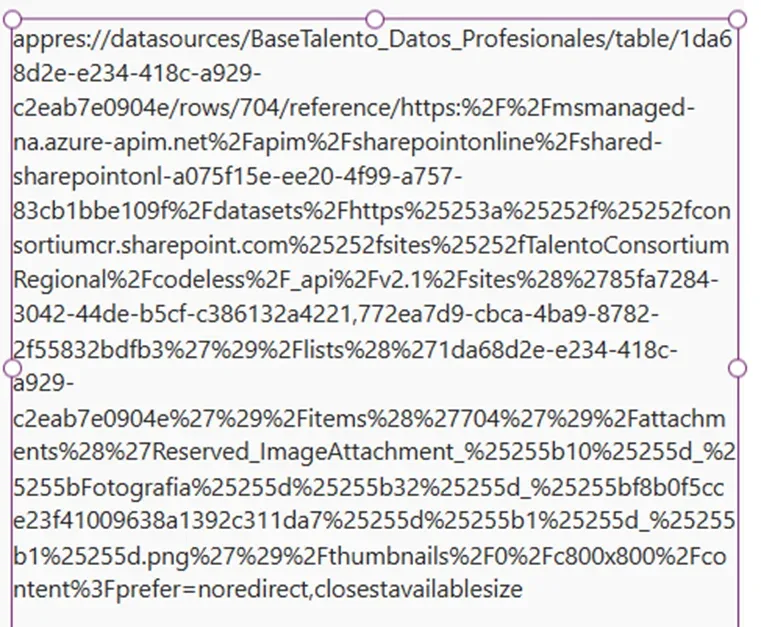
Note how in the middle of all the text, Power Apps uses the very same SharePoint URL format:
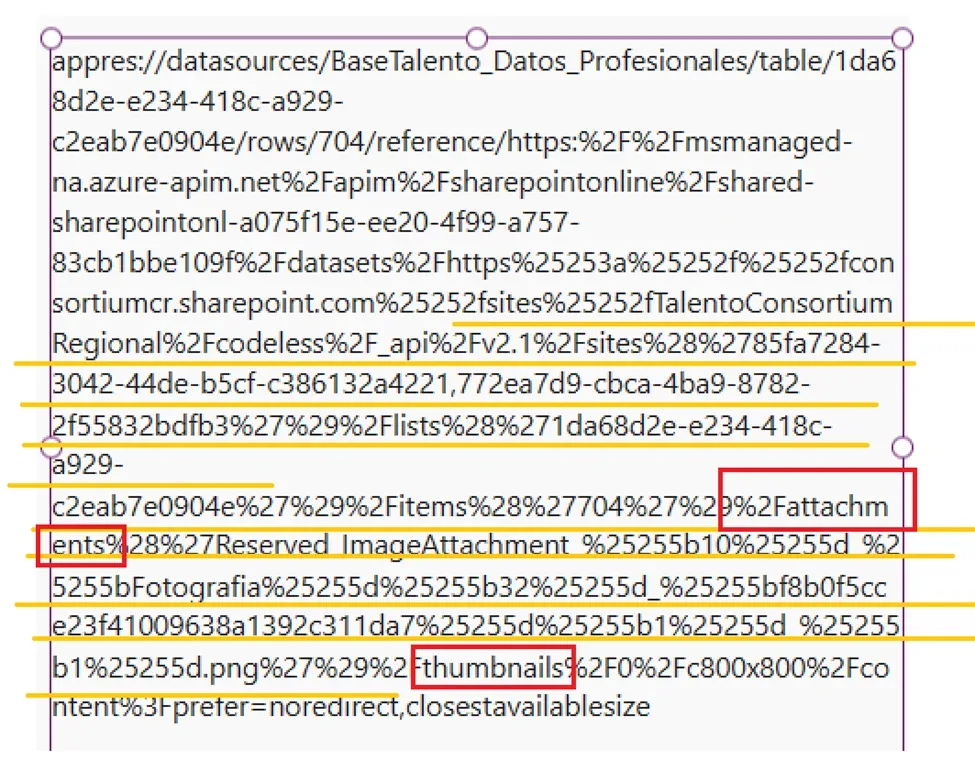
El
text we need is in between the key words:

·        attachments

·        thumbnails

Below is the code needed to
extract the URL and provide Power Apps a link to display the image and allow
user to download:

				
					Download("https://wearepowergi.sharepoint.com/sites/BootcampDemos/Lists/UsuarioActuales_Marvin/Attachments/"&RecordsGallery1.Selected.ID&"/"&Substitute(
   Substitute(
        //extract image path
       First(Split(Last(Split(RecordsGallery1.Selected.Fotografia.Full;"%2Fattachments%28%27")).Value;"%27%29%2Fthumbnails%")).Value;
       //replace special characters.
       "%25255b";"[");
   "%25255d";"]"
)
)


Replace:

  • SharePoint Address
  • List Name
  • ItemID
  • Item and Column Name

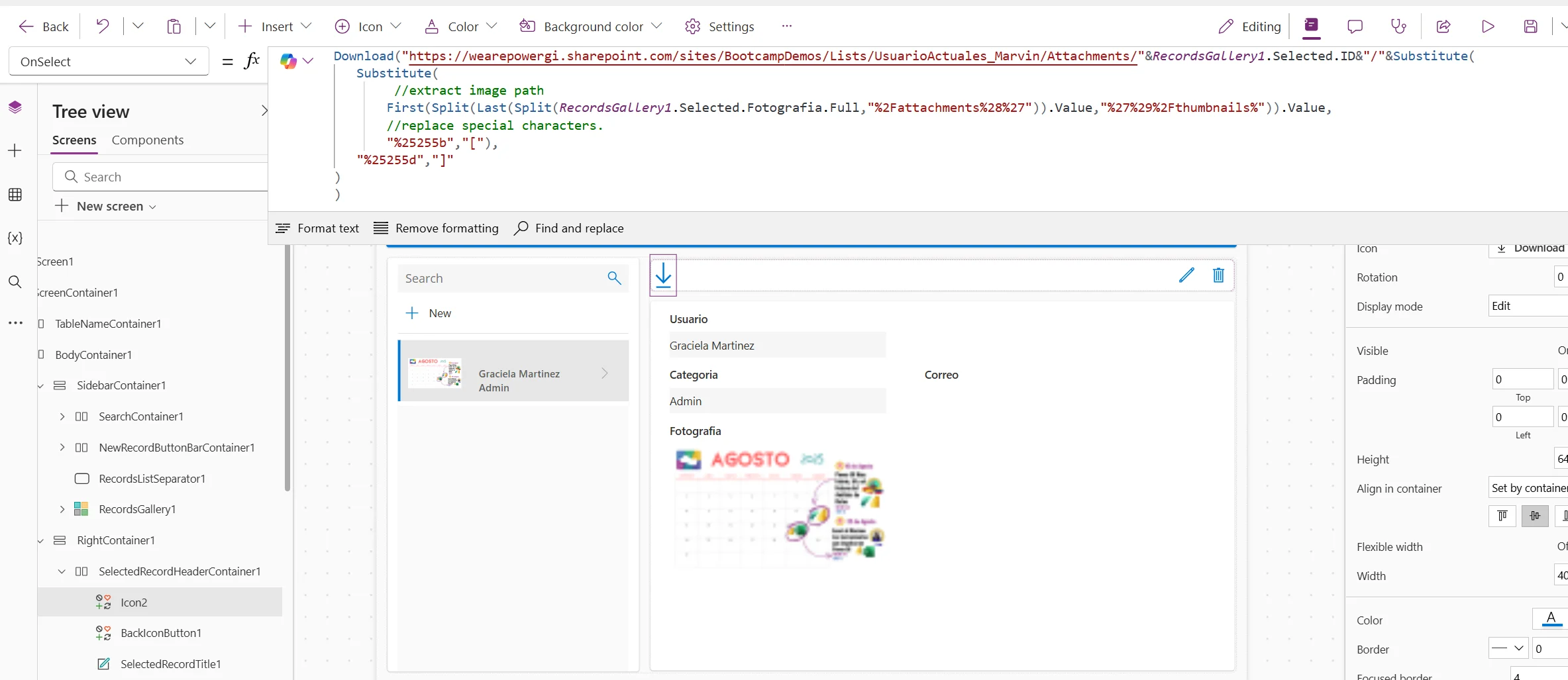
Add above code in the OnSelect action of the download button.
¿Está listo para descubrir la alegría de la automatización?

Ya sea que tenga un proyecto en mente o simplemente quiera saber cómo podemos ayudar, estamos encantados de tener una conversación.

After this is done we can test and run the app to make sure all works properly!

How our Power Apps Development services can help

Using our Power Apps y Power Platform consulting services, we have designed and implemented many Canvas Apps, covering many scenarios and business cases, contáctanos, we’ll be more than happy to have a conversation and see how we can be of help for your team.

Autor
Consultor de Power Platform | Experto en Automatización de Procesos de Negocio
Consultor certificado de Microsoft Power Platform y Arquitecto de Soluciones con más de 4 años de experiencia aprovechando Power Platform, Microsoft 365 y Azure para descubrir continuamente oportunidades de automatización y reimaginar procesos.